
Empora: one toolkit instead of a plugin per job
Empora is a WooCommerce toolkit for payments, subscriptions, automation and growth, and WooCommerce is the plugin many WordPress sites sell through. Its store listings aren’t live yet, so the product site and the docs are where to read it today.
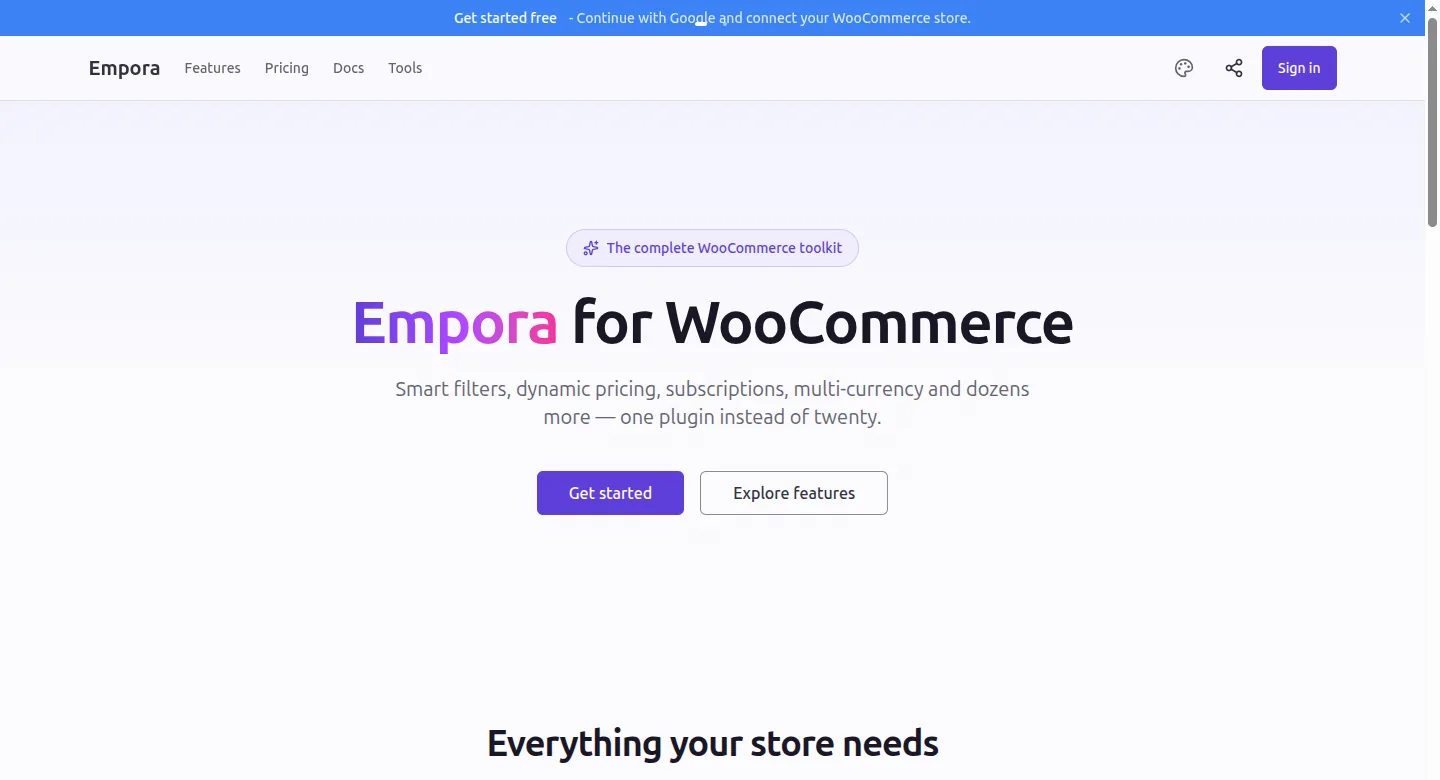
What is Empora?
Modules a store switches on inside its own WordPress dashboard, backed by a license service we run, where customers manage their license and the stores it’s connected to.
Who is Empora for?
People who run a store on WooCommerce and have stacked one plugin per job: one to take payments, another to bill subscriptions, a third to automate the follow-up. Empora puts those jobs in one place, under one set of settings, inside the dashboard they already use.
What did we build?
Two halves, built together. The plugin sits in the store, and the license service we run sits behind it. The product site lists every module and what it does. The docs cover installing, configuring and troubleshooting, down to activating, deactivating and recovering a license on each site.
The site also carries a hub of browser tools, sorted by category. The code lives in private repositories, so you judge Empora by the site and the docs. When a listing goes live, this page links it.
Where can I check it?
Open the Tools Hub on the product site and use one of its browser tools.
Want something like Empora built?
Empora is a plugin with a license service behind it, and Web apps shows how we build both halves of a product like that and hand over each one in your name.
If your store already runs on WooCommerce, send the brief and name the plugins it leans on, or book the free call and start there.
Page updated .