
Browser extensions, from idea to store listing
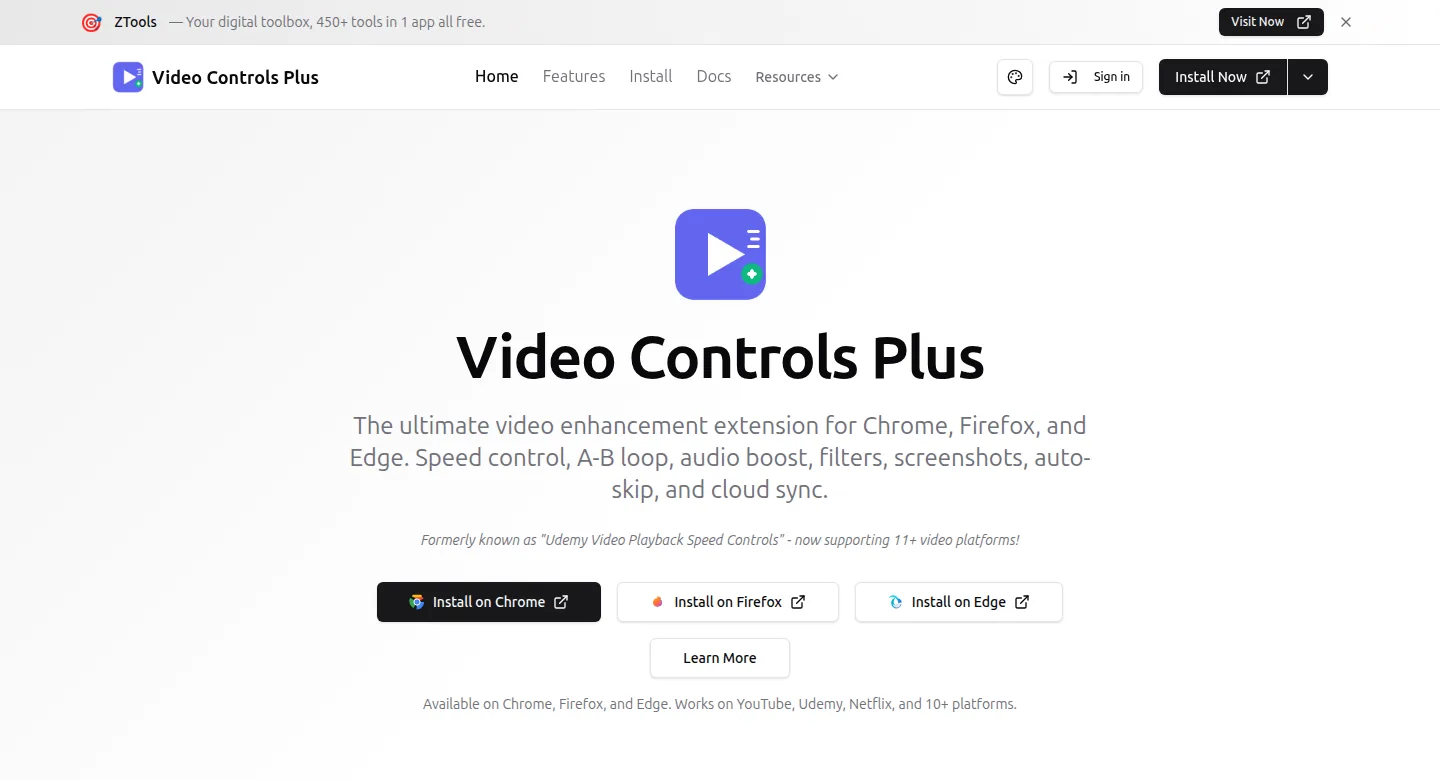
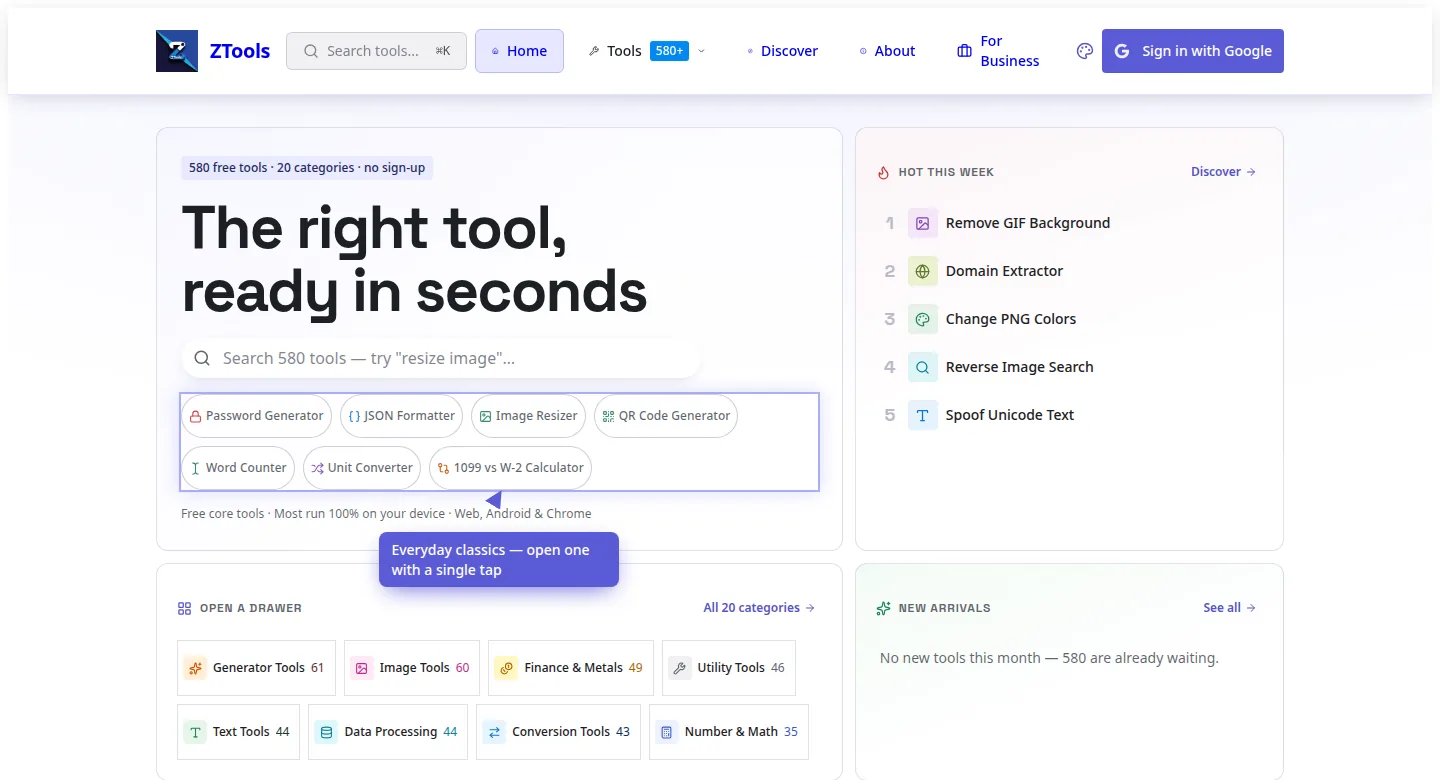
We build browser extensions and ship them to the Chrome Web Store under your own developer account. Video Controls Plus and ZTools are two we built and run there today, and Video Controls Plus is on Firefox too.
The problem
Extensions get rejected. A lot.
The Chrome Web Store reviews every upload, and a build that loads code from outside the extension, asks for a permission it can’t explain, or ships an old file gets sent back. Each rejection costs you another review cycle, and the first one often arrives after the developer has moved on.
Chrome has also moved extensions to Manifest V3, its current rule set, so older code written for the previous one has to be rebuilt to stay listed.
What you get
- Your extension: its popup, its options page and the parts that run on the pages your users visit
- Code built to Manifest V3 from the first milestone
- Only the permissions it needs, each with a plain sentence the store reviewer can read
- No outside scripts loaded at run time, so the review has one less reason to say no
- A privacy page on your site, which the store asks for when an extension handles user data
- The store listing: the description, the screenshots and the privacy answers
- The code repository, where all your source code lives, in your name
How it runs
The brief.
Name the sites. Say what it should change there.
Plan and price.
You’ll see the plan, the price and the first milestone before we write a line of code.
Milestones.
Each one ends with a build you load into your own browser. Then try it on your sites.
Handover.
The repository, the store developer account and every password move into your name.
Proof: Video Controls Plus and ZTools
Video Controls Plus is ours. It’s on the Chrome Web Store and on Firefox, and its Chrome listing names what it does: speed control, A-B loop, audio boost, video filters and screenshots, on YouTube, Netflix, Udemy and more. You can install it right now, set a video to 1.25× and judge the work for yourself. ZTools is the second, listed on the Chrome Web Store under the Zaions developer name. Both are there because they passed the store’s review, permissions and all.
What it costs
There’s no fixed package for an extension, so your brief gets its own written estimate. A popup that works on one site is a different job from an extension that syncs settings to an account, and the estimate says which one you’re buying.
Questions
Yes. Video Controls Plus is one we built and run on the Chrome Web Store. ZTools is another.
We build for Chrome first, and Video Controls Plus ships on Firefox too. Need another browser? Name it in the brief, and the estimate covers it.
We can. Send the rejection email and the code, and we’ll read the reason the store gave before we quote.
You do. The extension ships from your own developer account, and at handover the code repository, the listing and every password for it move into your name for good.
Start
Name the site it lives on and the thing that annoys you there. That’s a good brief.
Page updated .