
Video Controls Plus: control any web video from the keyboard
- Browser extension
Video Controls Plus is a browser extension that adds speed control, A-B loop, audio boost, video filters and screenshots to the video on almost any site. We keep its listings live on Chrome and on Firefox.
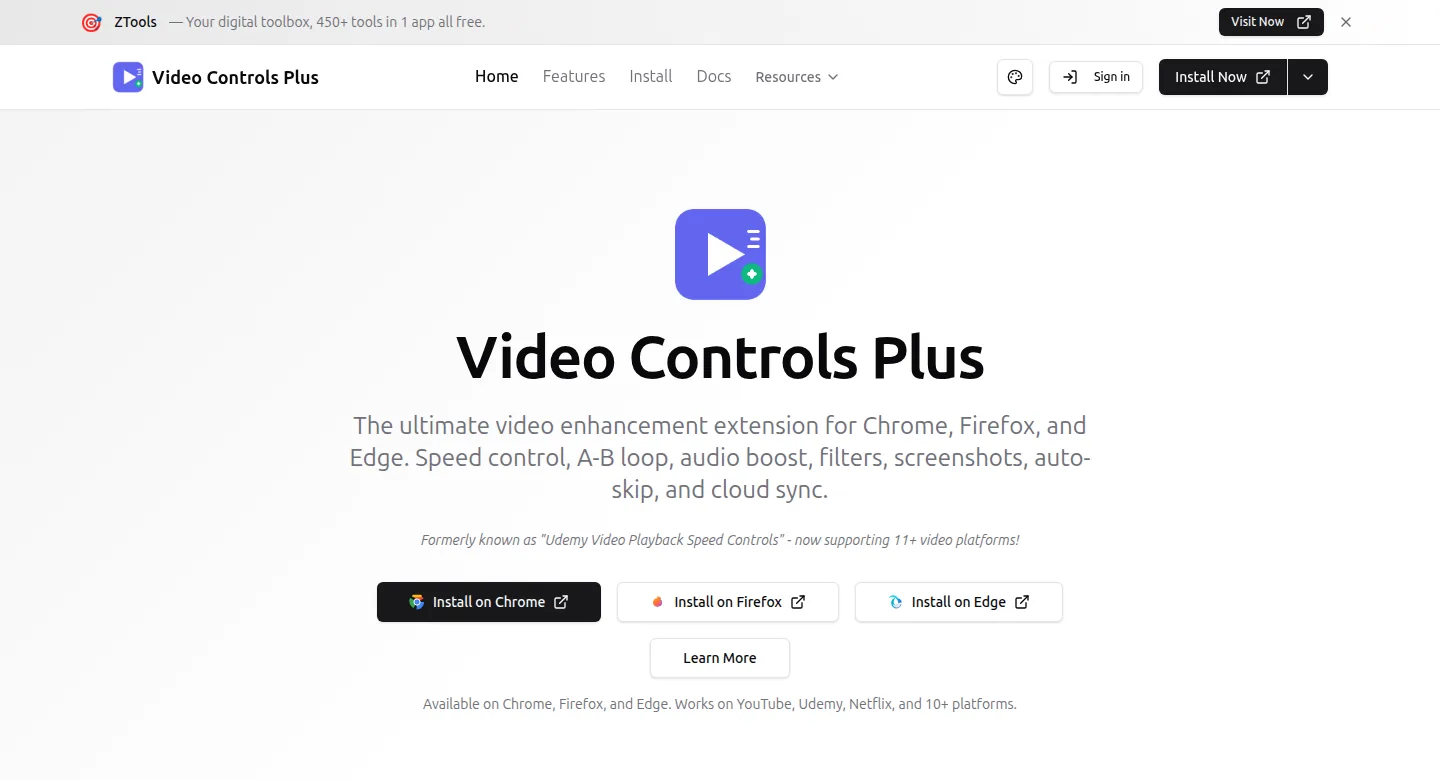
What is Video Controls Plus?
A small overlay on top of the standard web video player, the kind YouTube, Netflix, Udemy and Coursera use, and Vimeo, Twitch, LinkedIn Learning and most embedded players too. It runs on the page itself and needs no account. Cloud sync, flashcards and viewing analytics are optional and sit behind sign-in.
Who is Video Controls Plus for?
Learners who want a lecture at 1.5× without losing the thread. Musicians drilling the same eight bars 20 times. Anyone straining to hear a quiet recording.
What did we build?
Controls your hands never leave the keyboard for. Speed runs from 0.1× to 16×: press ] to speed up and [ to slow down, in 0.1× steps, and = to reset. Ctrl+Alt+A and Ctrl+Alt+B mark a loop; Ctrl+Alt+L plays it.
The audio boost goes to 400%, so a lecture recorded at the back of a conference room becomes something you can follow without buying separate audio software. A single shortcut saves the current frame as a PNG.
Notes keep their timestamp. Type one while you watch, and clicking it later jumps the player back to that exact second. They export as Markdown, plain text or CSV.
It’s listed on the Chrome Web Store and on Firefox, which means it passed each store’s review, permissions and all.
Where can I check it?
Install it, open any video, set it to 1.25× and judge the work yourself.
Want something like Video Controls Plus built?
An extension that works on other people’s pages, and gets past two store reviews, is the work our Browser extensions page describes.
Name the sites yours should work on in the brief, or start with a free call and map them out together.
Page updated .